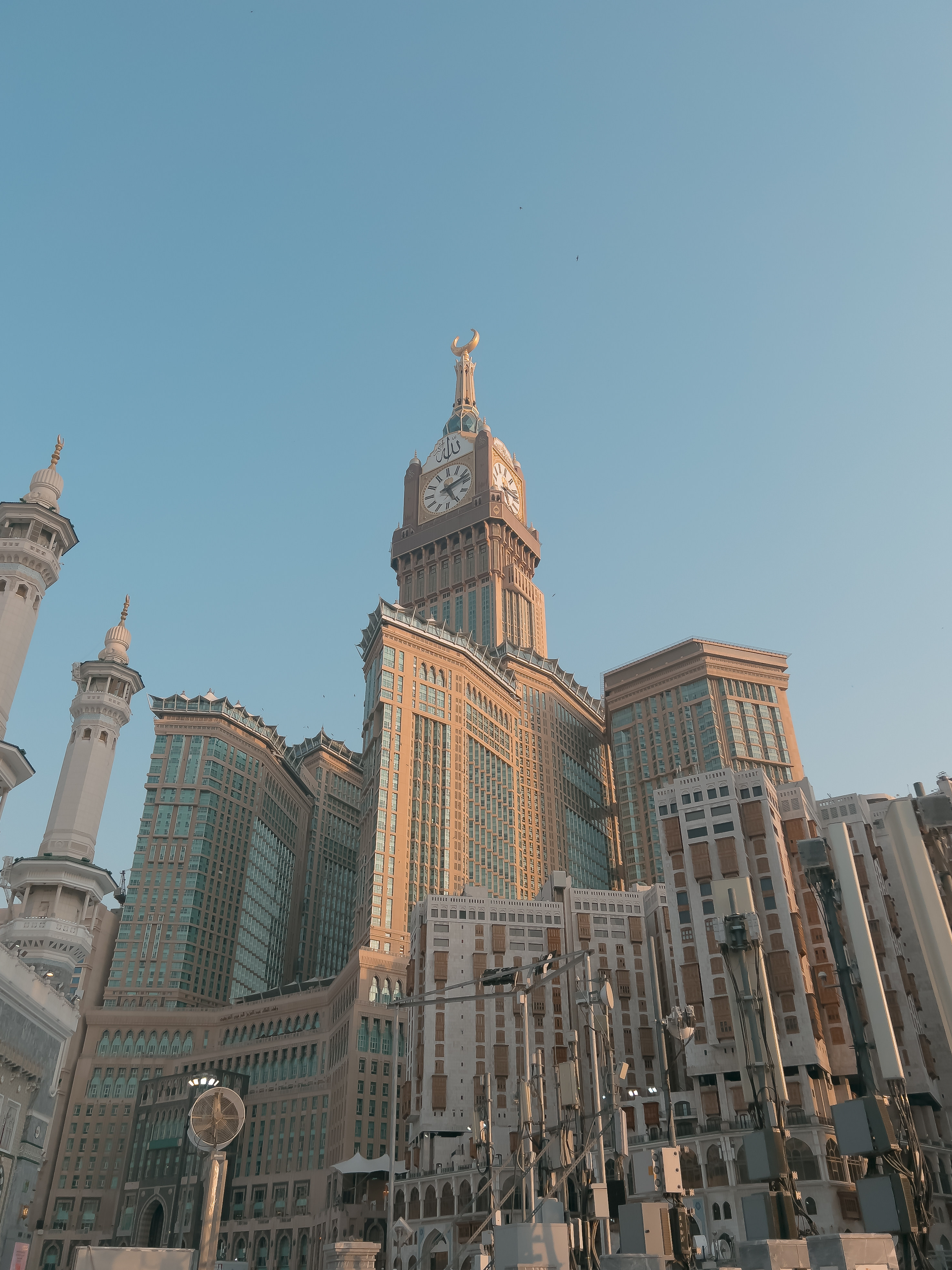
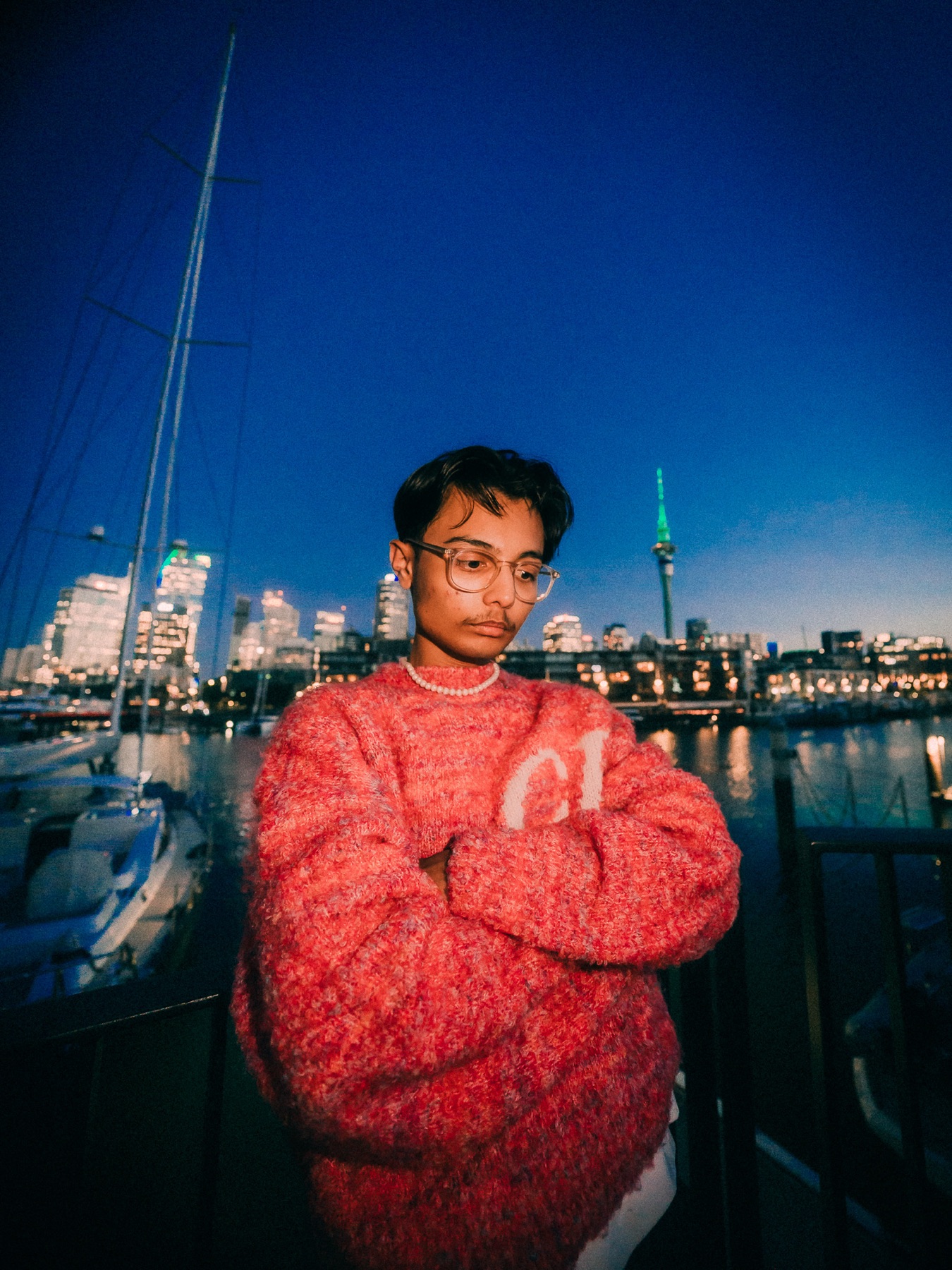
Your iPhone already has everything it takes to shoot professional-quality photos. You just haven't been shown how. Until now.
You see the shot, tap, shoot, and it comes out flat or dull. There's a gap between what your eyes see and what the camera captures, and no one has ever explained how to close it.
You open Lightroom, drag something, can't tell if it's better or worse, then undo everything. You're not editing. You're experimenting blindly with 30 sliders nobody ever explained.
Your feed looks like five different photographers. You've seen accounts with that signature look, that warmth and depth, and you can't figure out how to build it for yourself.
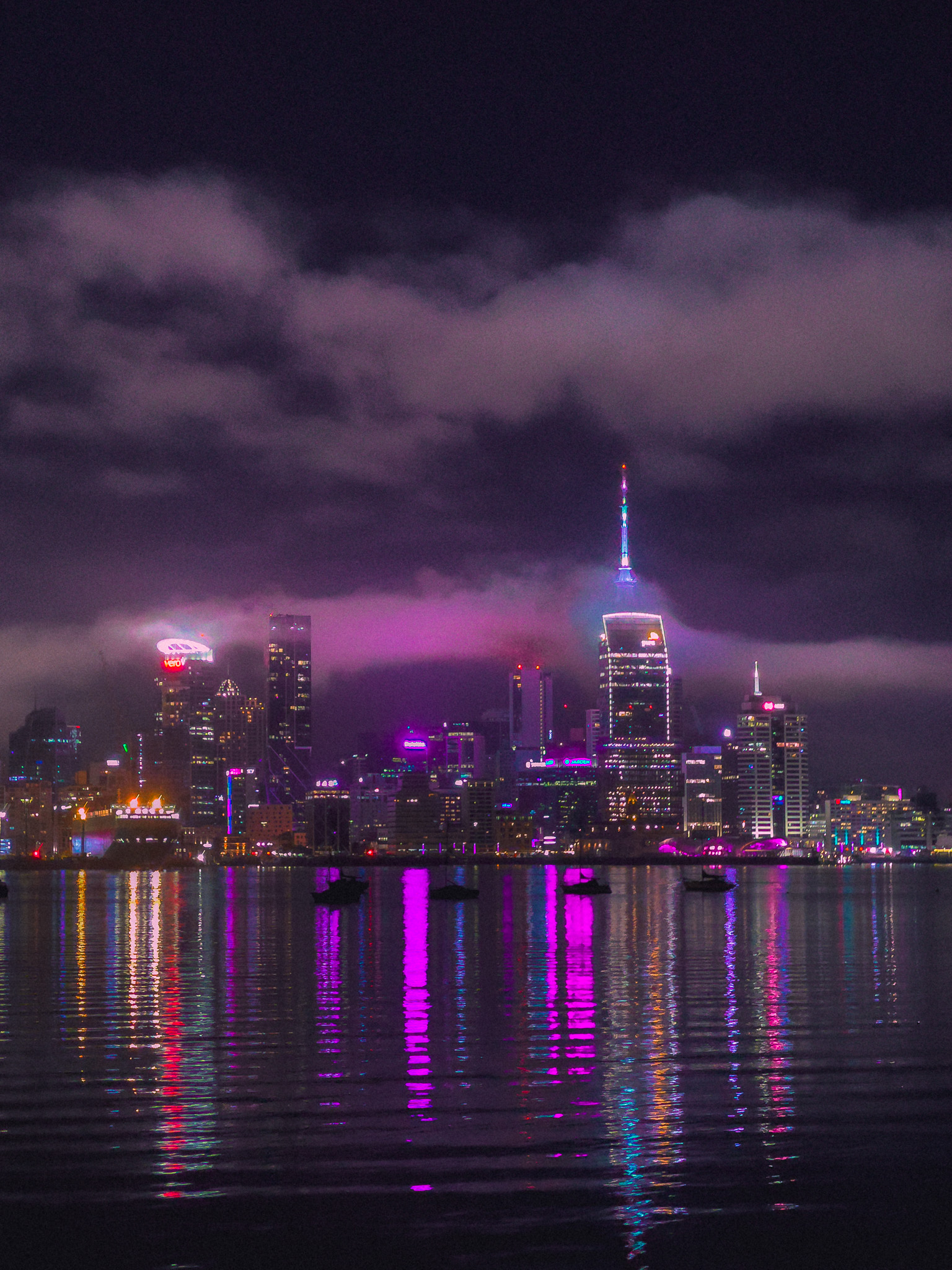
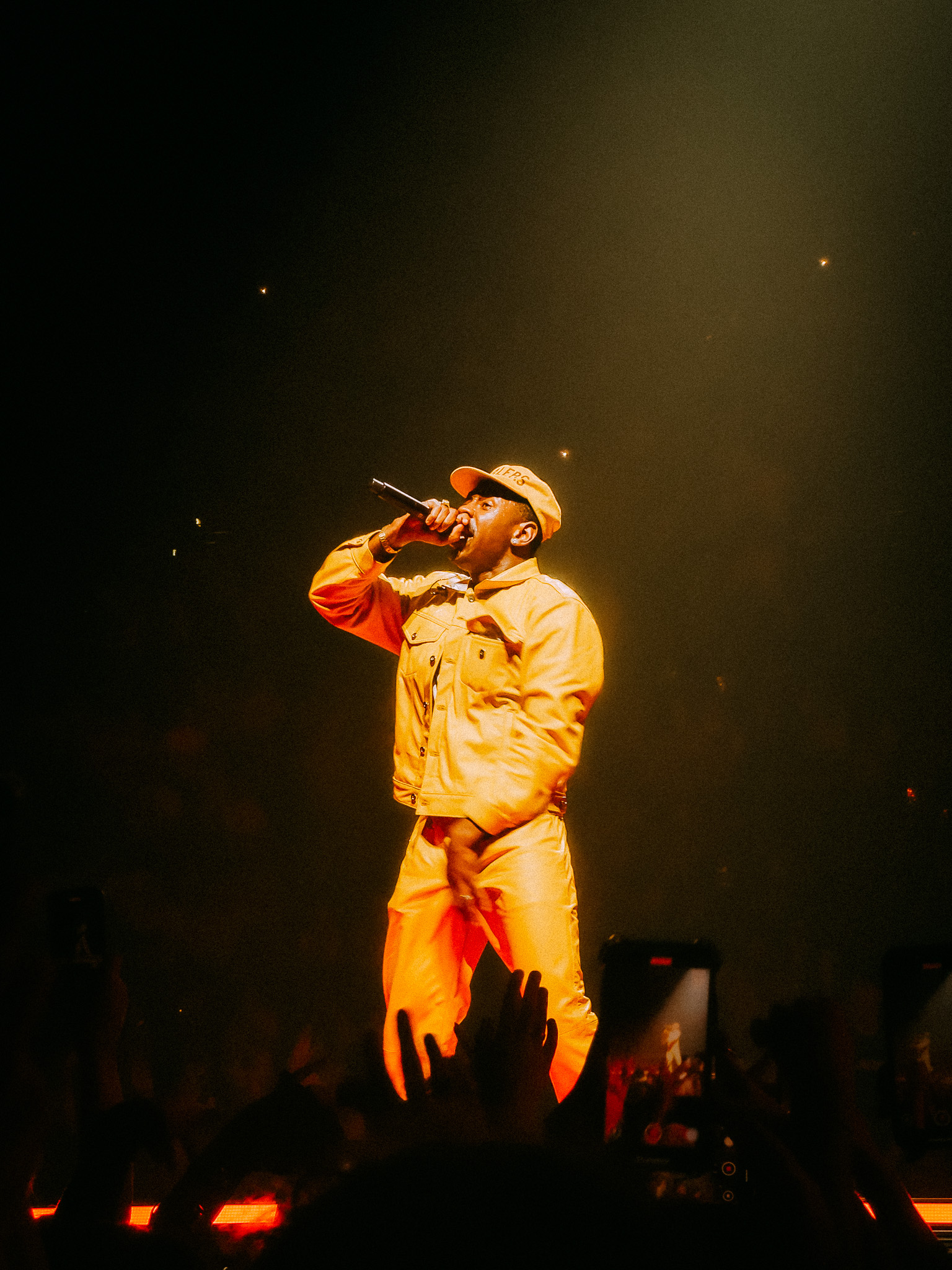
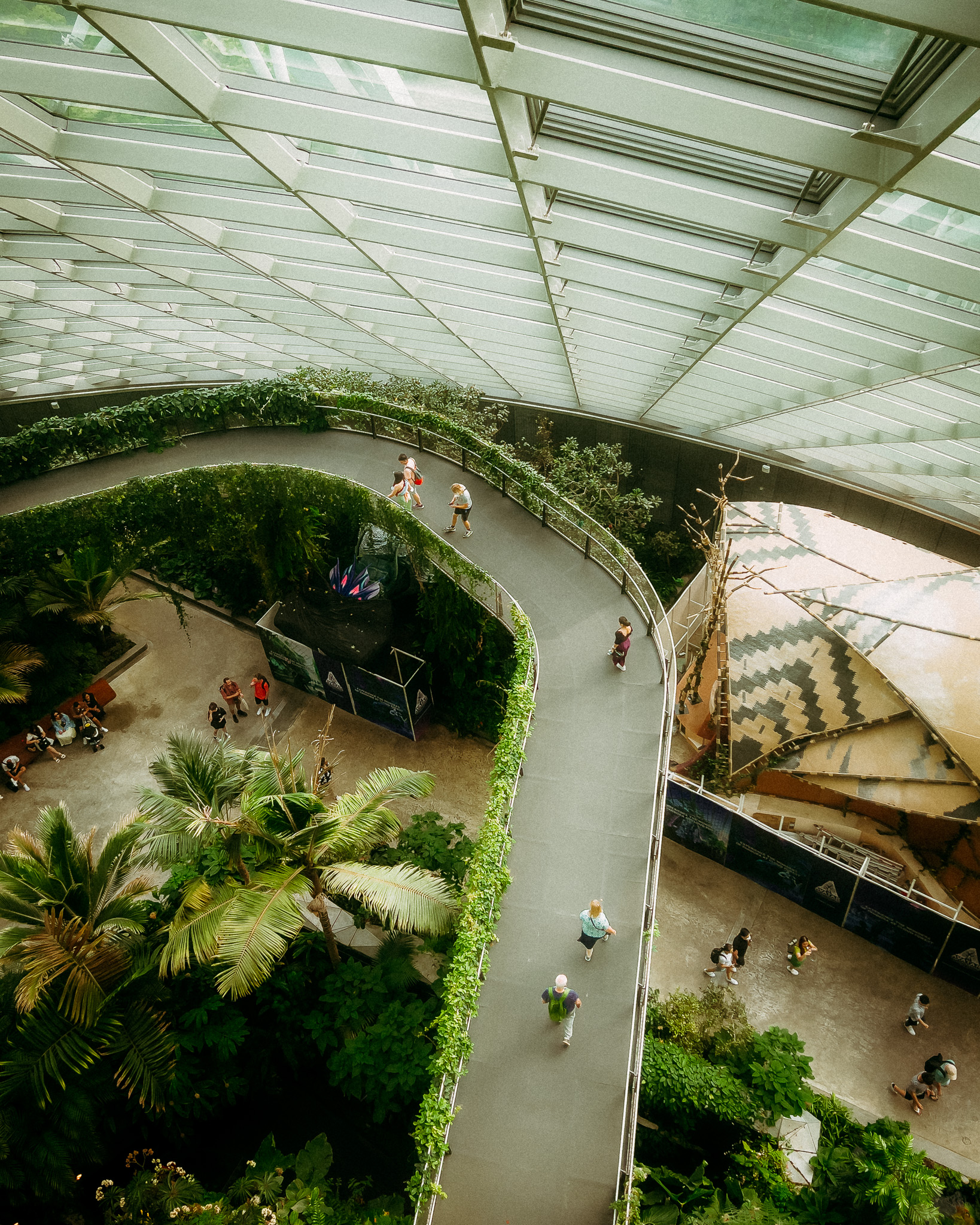
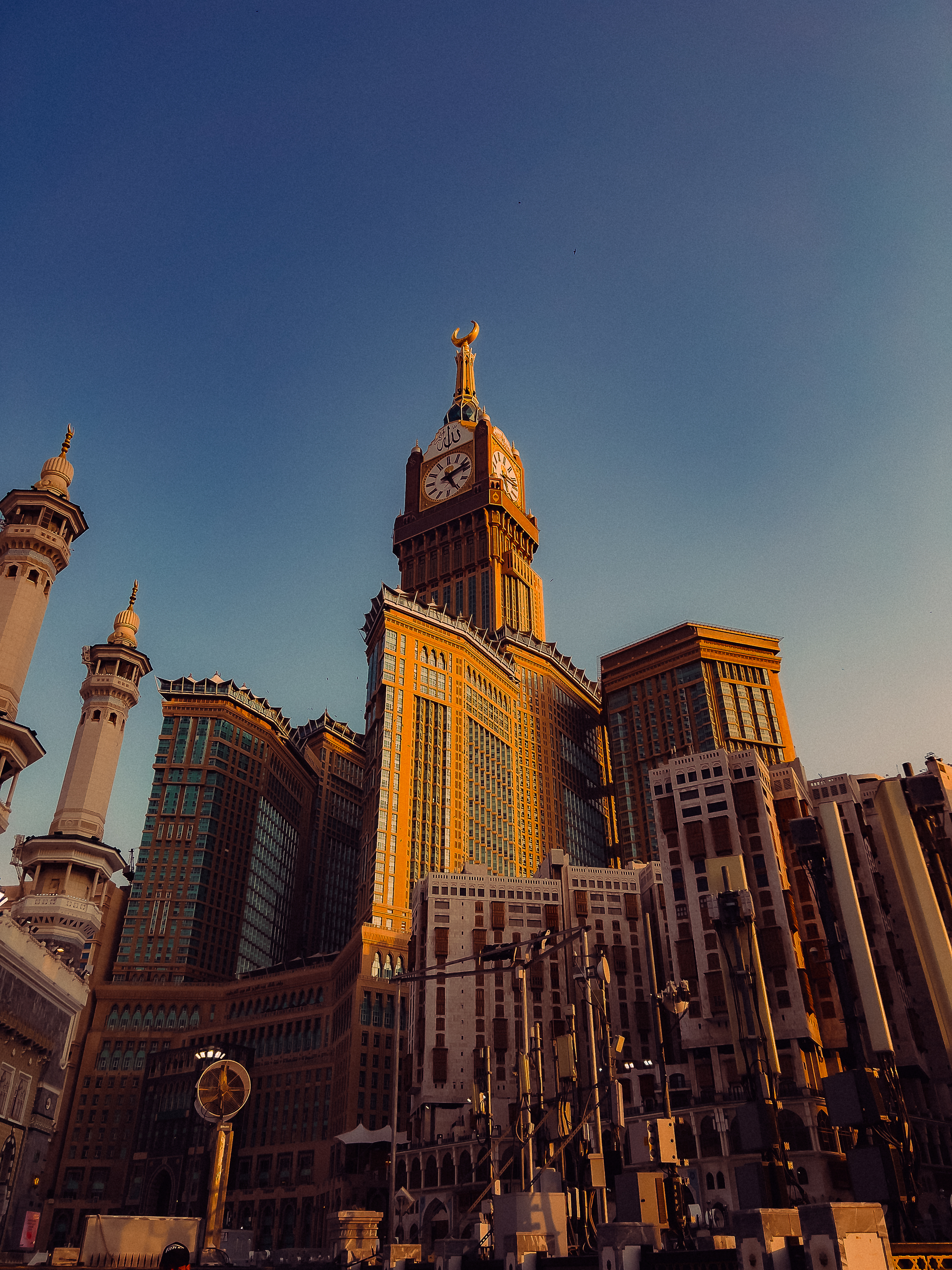
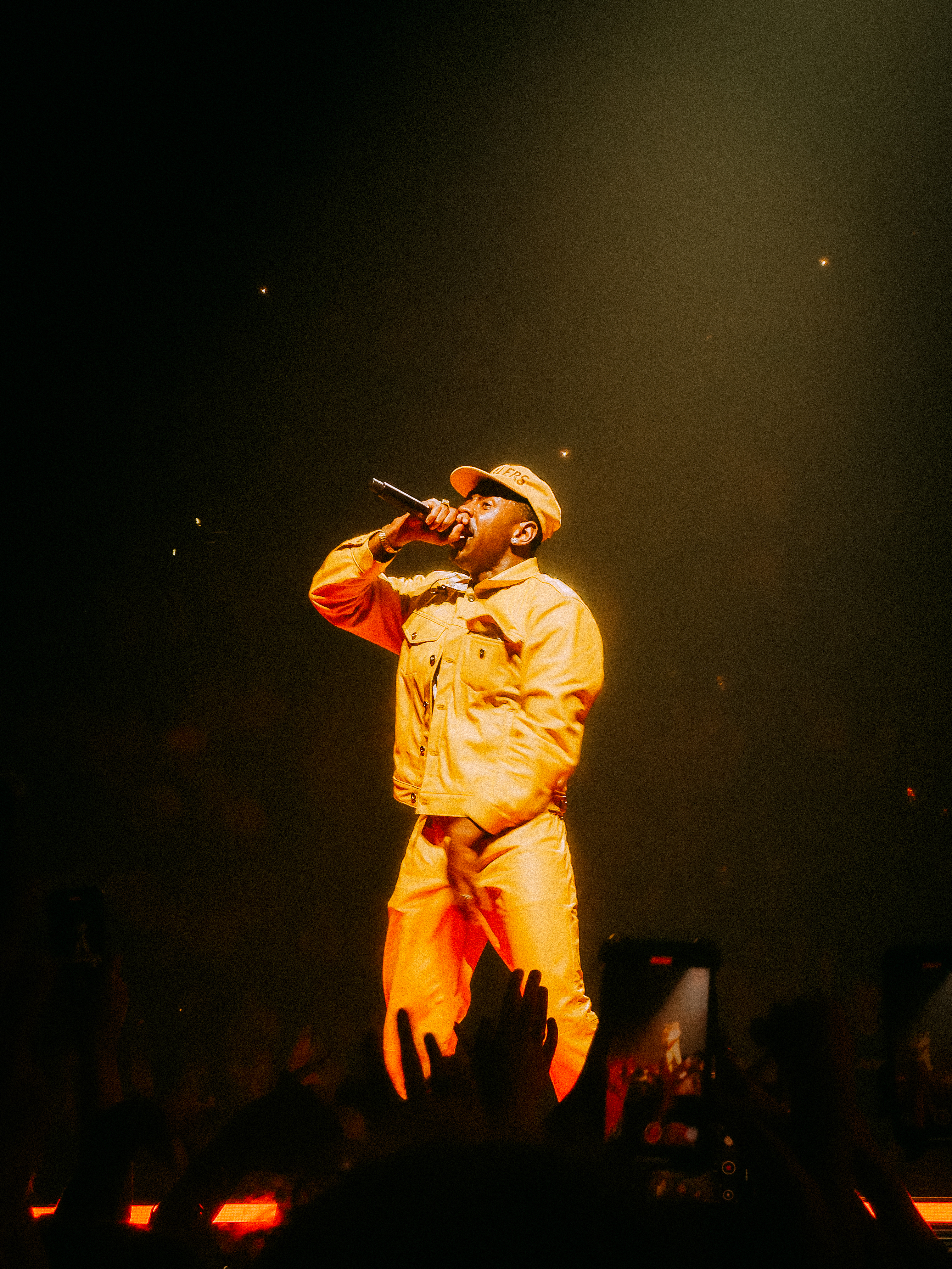
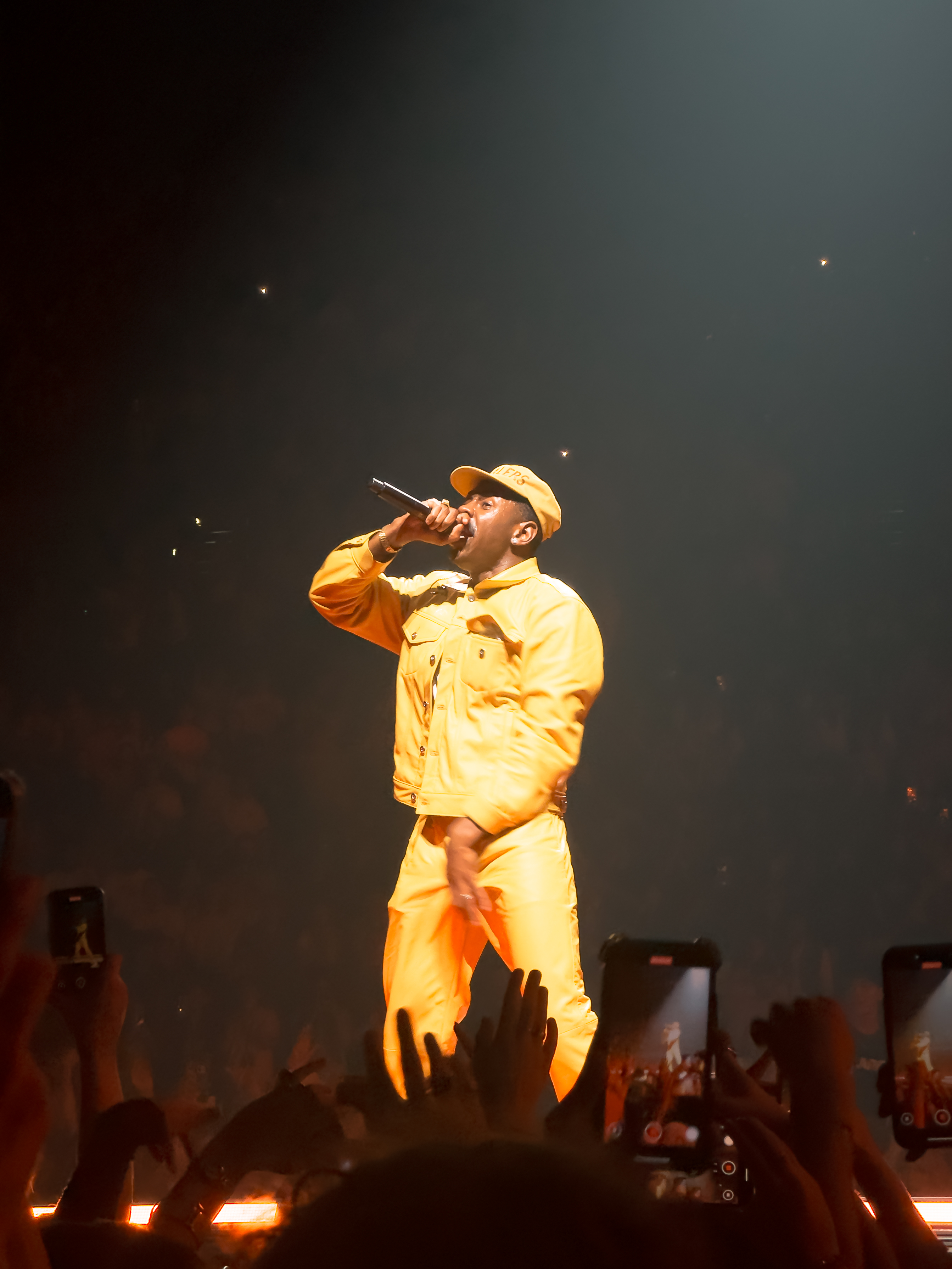
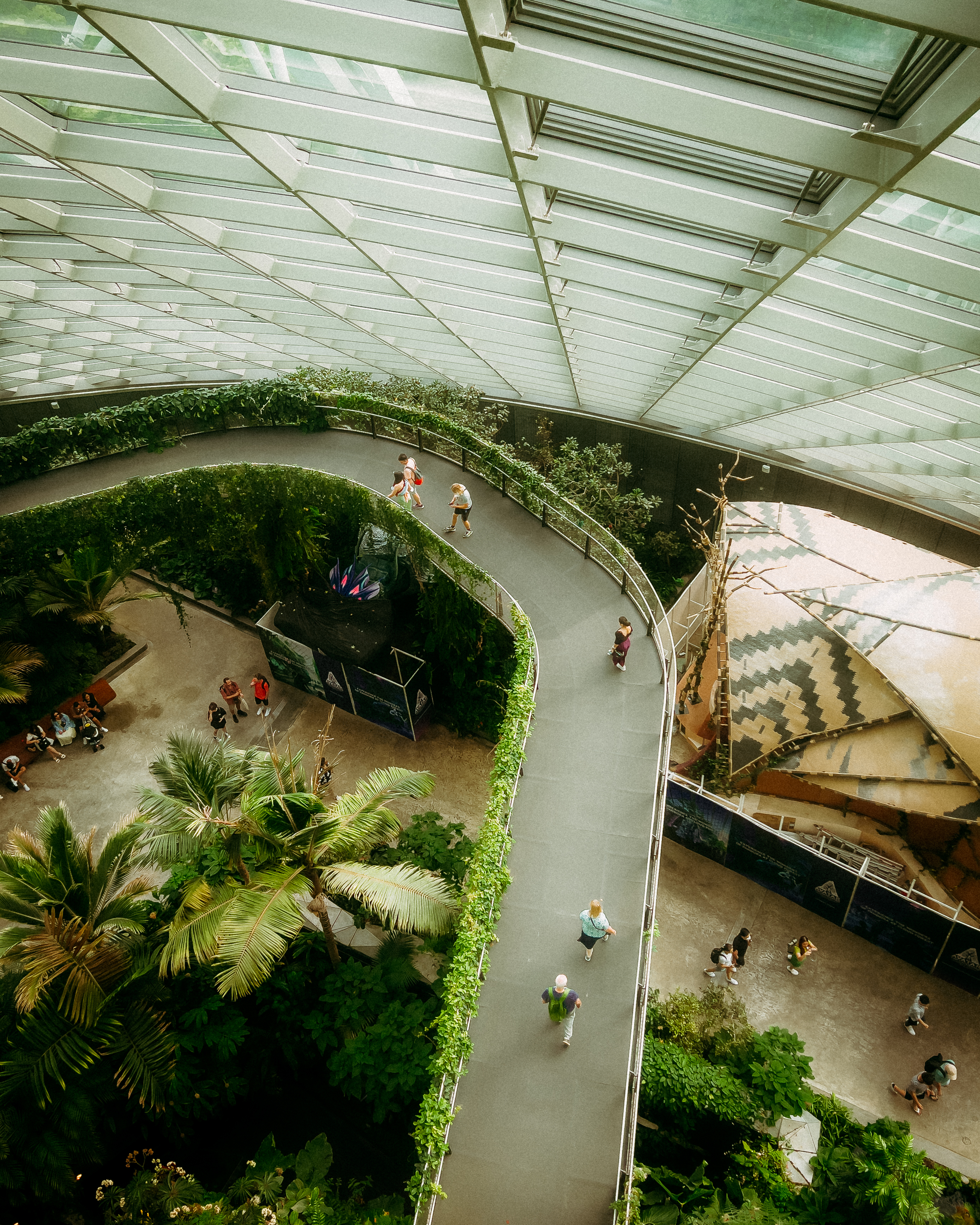
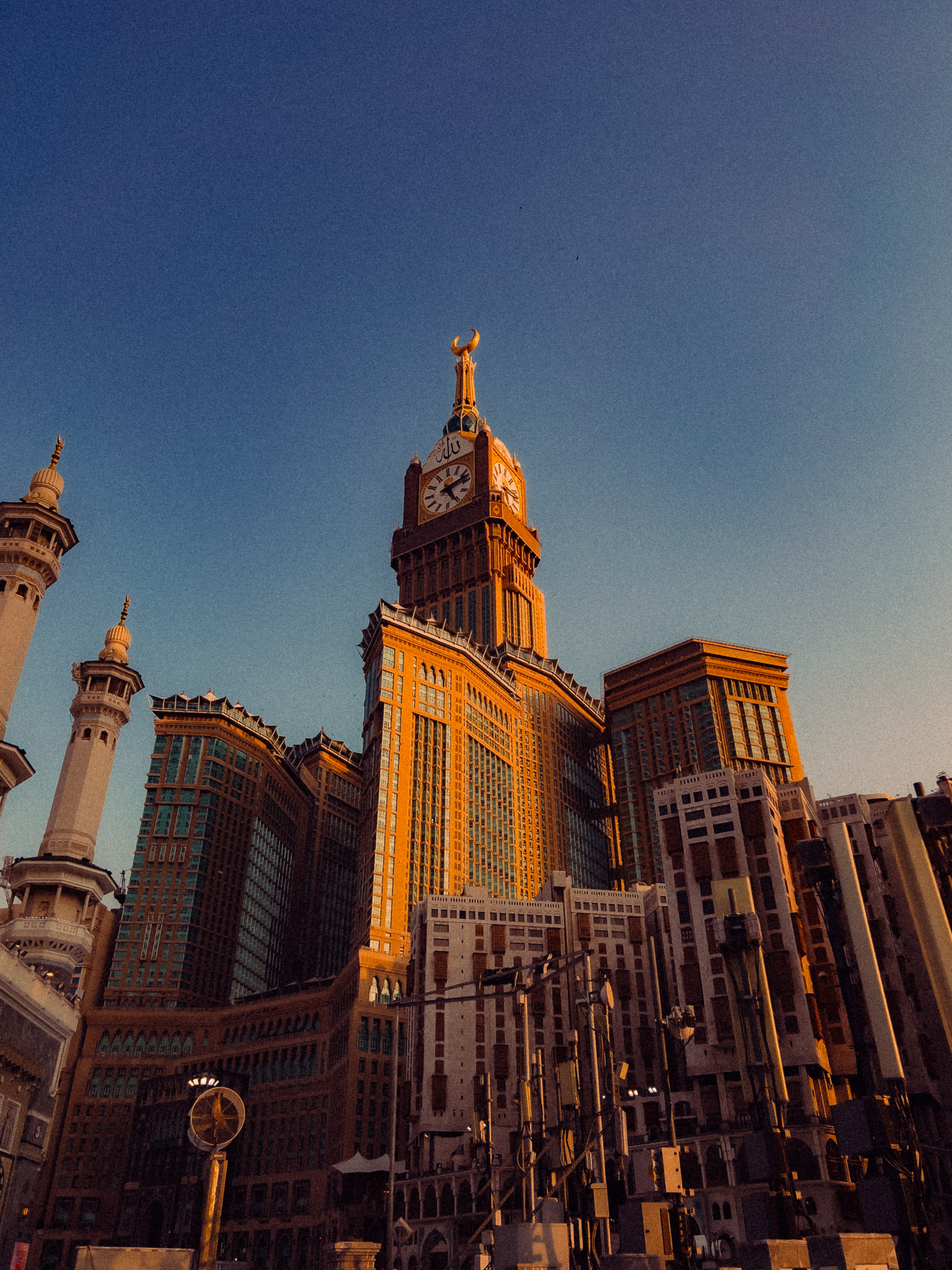
Drag the handle. Every photo below was shot on an iPhone and edited with exactly what you'll learn inside this course.
Golden hour, harsh midday, dimly lit rooms. You'll know exactly what to do in every situation, every time.
Master Lightroom Mobile's full toolkit, from basic corrections to the Tone Curve, with real clarity and confidence.
Develop a colour palette and editing approach that's unmistakably yours. Create and apply presets in seconds.
Turn consistent, beautiful work into an audience. Learn how to share photos that stop the scroll.
"This course is a placeholder — add your first review here once you have early students."
"Replace this with a real testimonial. Ask early beta students or waitlist members for feedback."
"A third testimonial slot. You can add more cards or remove this section until reviews come in."
Welcome to the course. What to expect, how to get the most out of each module, and why the iPhone is a more capable creative tool than most people ever realise. Your starting point before anything else.
Most people use their iPhone like a point-and-shoot. This module rewires that. You'll learn the full camera system: ProRAW, lens selection, depth of field, focus and exposure lock. By the end you'll approach every shot with intent, not hope.
The Settings app contains options most people never touch that dramatically improve your results. We walk through every camera setting worth changing: format, grid, preserve settings, and the ones that are turned on by default that you should turn off immediately.
Composition is the invisible architecture of every great photo. This module goes beyond rule-of-thirds into leading lines, negative space, layering, and frame-within-frame techniques that make images feel designed, not just captured.
Light is your most powerful creative tool, and it is free. You will learn to read the quality, direction, and colour temperature of any light source and how to position yourself for maximum effect. Window light, shadows, and the golden hour windows most photographers miss.
Night photography, golden hour, overcast days, indoor low-light. Each environment demands a different approach. This module gives you a specific playbook for every situation so that bad light stops being an excuse and starts being an opportunity.
Portrait Mode, Photographic Styles, Action Mode, Macro photography, Panorama. We cover every built-in feature that is genuinely useful for photography and how to use each one intentionally rather than accidentally.
A complete guided tour of Lightroom Mobile built for people who have been intimidated before. Interface layout, every panel explained, import workflow, non-destructive editing, and the editing order that professionals follow on every single photo.
The foundation of every good edit. Every slider in the Light and Color panels broken down: what it does, how much to use, and in what order. White Balance, Vibrance vs Saturation, and why getting the exposure right before touching colour changes everything.
The Tone Curve is where good edits become great ones. The S-curve, the film shadow lift, Point Curve vs Parametric Curve, and RGB curves for precise colour control. After this module it will be the first tool you reach for.
HSL panel, Color Grading wheels, and how to build a look that is recognisably yours. This is where your photos stop looking like everyone else's. We cover teal shadows, warm highlights, green tones, and how to write down your creative decisions so they become your preset.
Build your own presets from scratch, import the included Suave's Vault preset pack, and apply presets intelligently across different lighting conditions. Plus batch editing with Copy and Paste, exporting your own presets, and the right export settings to get your finished photo out of Lightroom at the perfect quality for social, print, or client delivery.
A condensed reference card covering every key setting, slider range, and workflow step from the entire course. Print it, screenshot it, or keep it open while you shoot and edit. Everything in one place.
Suave's complete collection of handcrafted Lightroom Mobile presets. The exact same presets behind the aesthetic you see across Suave's Vault. Worth $80 alone, included free with your course.
Preview the preset packJoin a dedicated community of photographers going through the course alongside you. Share your work, get feedback from Suave and fellow students, and stay motivated throughout your journey.
Platform details coming soon
I've spent years mastering iPhone photography, shooting everything from streets to landscapes to portraits with nothing but the phone in my pocket and Lightroom Mobile on my screen.
What started as personal obsession became Suave's Vault, where I share the presets, tools, and workflows I've refined over thousands of hours. Shot on iPhone Master Class is everything I know, organised so you can learn it in weeks instead of years.
I'm not a gear-obsessed professional photographer. I'm someone who figured out how to make a phone camera do extraordinary things, and I want to show you exactly how.
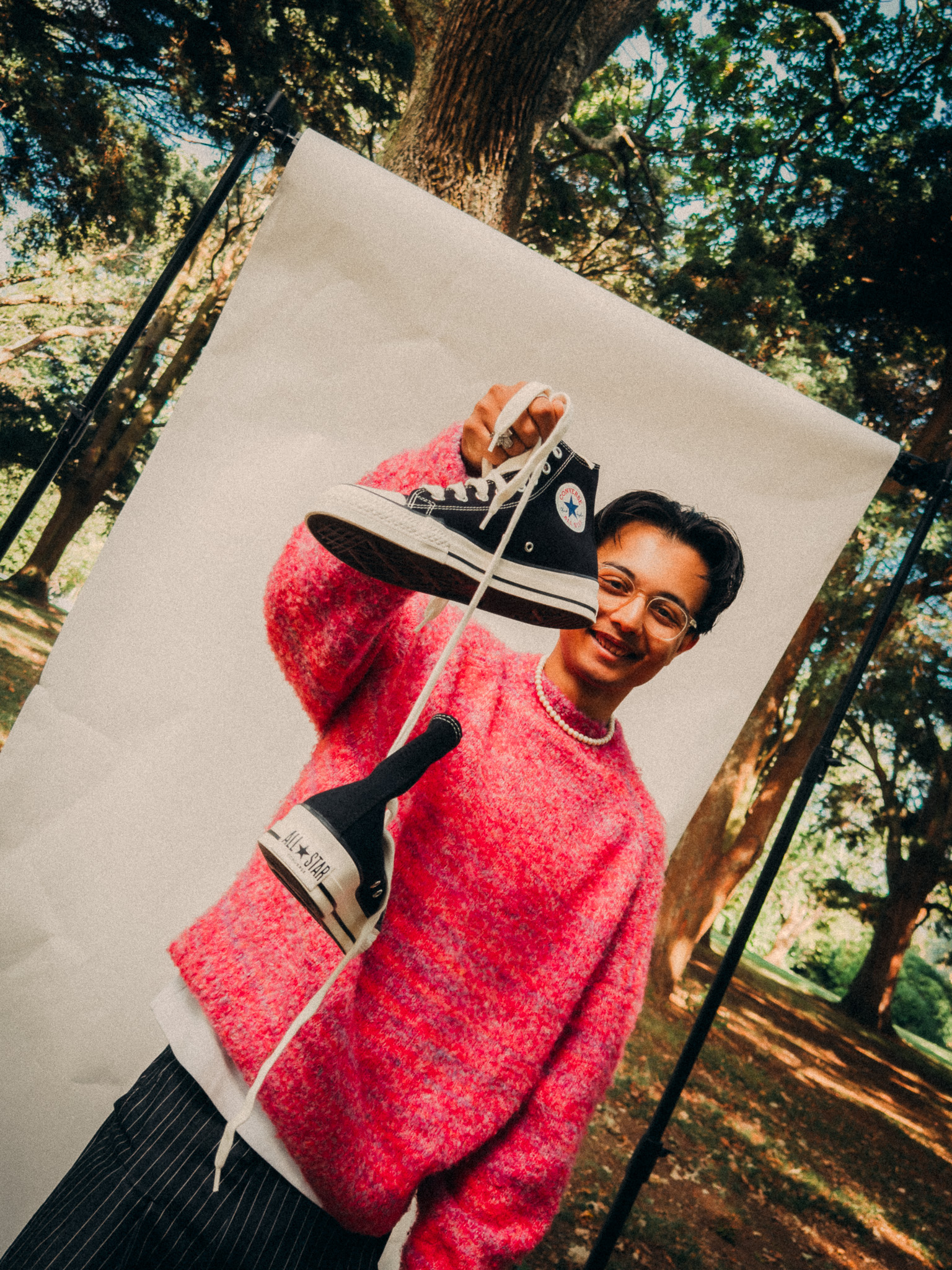
11 in-depth modules covering iPhone photography from first principles to advanced editing. You also receive the Ultimate Preset Bundle (Suave's complete Lightroom Mobile preset collection, worth $80) included free, plus access to the private student community. One payment, lifetime access.
No external apps are required. The free version of Lightroom Mobile covers everything taught in this course. Lightroom is free to download on the App Store and no Creative Cloud subscription is needed for the features we use. However, some advanced features such as selective masking and healing tools are only available in the paid version of Lightroom Mobile, so upgrading will give you more to work with.
Any iPhone 14 or newer works great for everything covered in this course. The composition, light, and editing principles apply universally across all models. That said, some photography features like ProRAW, the 48MP main sensor, and the advanced telephoto lens are exclusive to Pro and Pro Max models. You will still get full value on a standard 14 or 15, but if you are on a Pro you will be able to take advantage of every technique covered.
Due to the digital nature of this product, all sales are final. No refunds are offered once access has been granted.
Join the waitlist to be the first to know. Waitlist members get early access and an exclusive launch discount. Drop your email above and you'll be notified the moment doors open.
No problem. Some ad blockers prevent the form from loading. Click here to sign up directly on the ConvertKit page →
Waitlist members get first access and an exclusive launch discount that won't be available anywhere else. No spam, ever.
Join the Waitlist — It's FreeEnrollment isn't open yet. You'll be the first to know when it is.
One payment. Yours forever.
All sales are final. No refunds due to the digital nature of this product.